The case for Azure resource tags
How often have your organisation struggled to articulate cost, manage governance or group resources in Azure?
For some organisations tagging is the norm, with every resource tagged to provide anyone additional information about what the resource is, who its for and why its needed. For others they’ve not even started, these businesses will rely on documentation and in team knowledge to identify services and manual work to group things like costs together.
Tagging Azure resources isn’t just a cosmetic feature, if used correctly it can be useful not only for information to the IT Admins but beyond that it can be used to track costs and even effect Azure Policy…
Tagging is hugely important for a well-oiled well architected platform and at scale is sometimes vital to operations. So if tagging is so good, why are so many failing to do it properly?
Real world benefits
Like I’ve mentioned tagging in Azure has power, you might not need it all today but 3-months in you get asked for a report with 15mins notice and boom, easy next please… Here’s some of the ways in which tagging improves cost management, governance & compliance, automation and security and access control:
Cost Management & Visibility
Understanding your cloud spend can be tricky, even with the advent of native solutions like cost analysis, in most businesses exec or budget holders need to understand what each service or department is costing the business rather than just the monthly payment. Sure you could split everything into separate subscriptions but for me I use subscriptions as a demarcation of responsibility and access rather than a cost centre, I don’t want a subscription with just 2 VM’s a vNet and a single function app, do you?
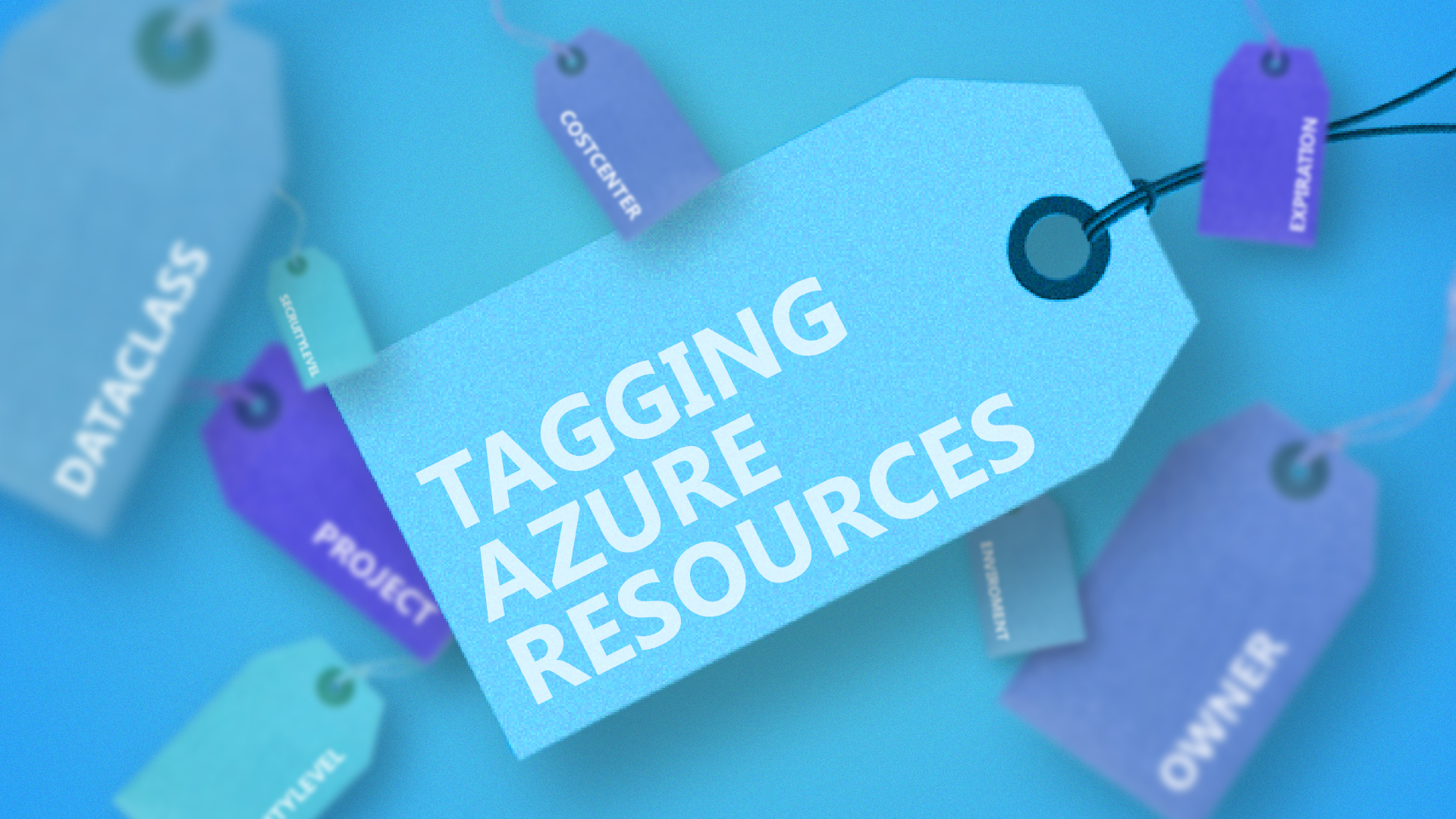
Tagging resources with tags like CostCenter, Project, Service and Owner allow your FinOps or finance teams to understand costs by department, application, or team making it easier to allocation budget and prevent overruns.
🙋 Example: Tagging all resources for with ‘Service’ = ‘My Fancy Service’ lets you quickly realise all cloud expenses relating to a service rather than individual components in Azure Cost Management.