Don’t jump straight to the technical steps. The planning phase is where you avoid the problems that derail projects later. Here’s how to do it properly.
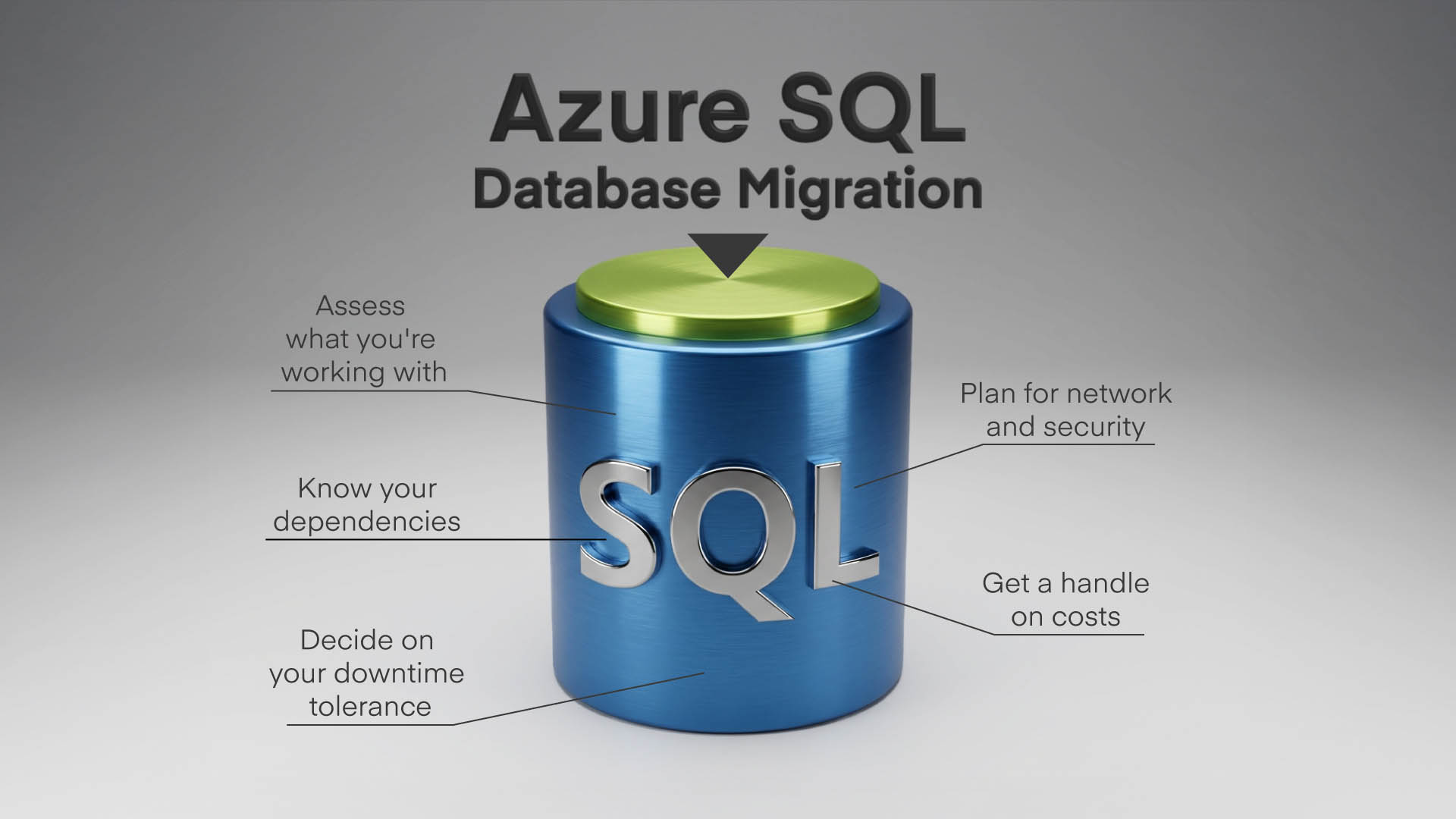
1. Assess what data you’re working with
Start by getting a clear picture of your current SQL estate. How many databases? How large? What features are they using? Azure Migrate can scan your existing servers and flag compatibility issues before you commit to a target platform.
If your SQL Servers are connected via Azure Arc, you also get continuous migration assessments that update automatically – useful for keeping on top of readiness as your environment changes.
It’s common to discover databases using features that don’t translate directly to Azure SQL Database. And it’s far better to find that out now than halfway through migration.
2. Know your dependencies
Databases rarely exist in isolation. Applications connect to them, jobs run against them, reports pull from them, and other databases might link to them. Map these dependencies before you move anything. You’ll need to know which connection strings need updating, which applications need testing, and whether any integrations will break when the database moves to a new location.
3. Decide on your migration downtime tolerance
Migrations broadly fall into two categories: offline and online. Offline migrations are simpler – you stop applications, move the database, and start everything back up pointing at the new location.
The downside is obvious: your systems are unavailable while it happens. Online migrations keep the source database running while synchronising changes to Azure, only cutting over when you’re ready. They’re more complex to set up but essential for systems that can’t afford extended outages.
4. Plan for network and security
Your applications need a way to reach databases in Azure, and that connection needs to be secure. This might mean configuring VPN gateways, setting up ExpressRoute for dedicated connectivity. Or it could be carefully managing firewall rules.
Azure SQL databases aren’t exposed to the public internet by default, which is good for security but does take some network planning. It’s worth reviewing your broader security approach as part of this process.
5. Get a handle on costs
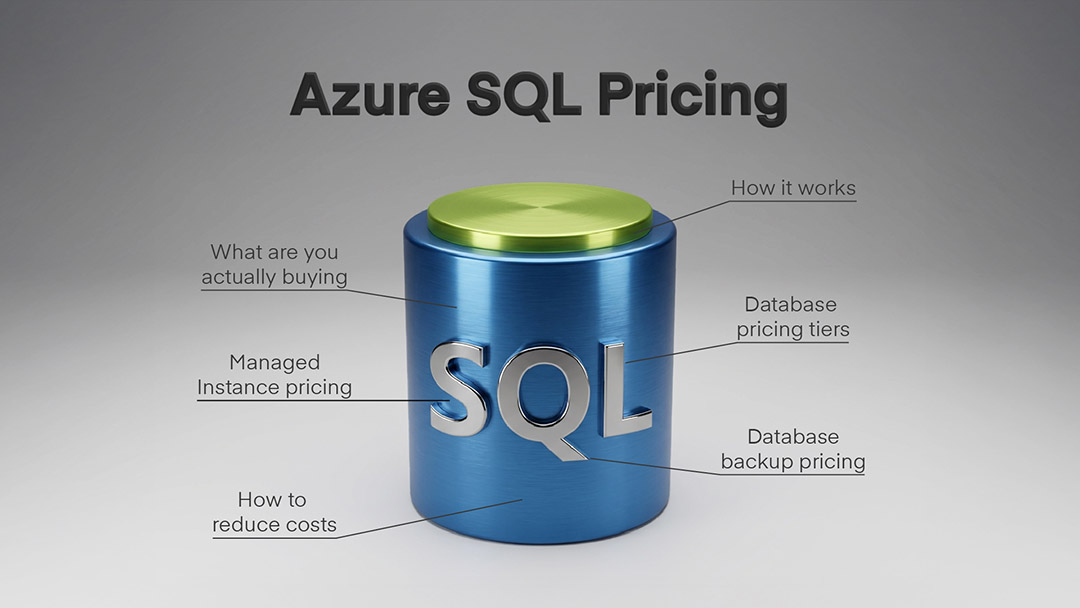
Azure SQL pricing depends on the service tier, compute size, and storage you choose.
It’s easy to over-provision initially. It’s equally easy to accidentally pick a tier that doesn’t deliver the performance you need. Microsoft’s pricing calculator helps with estimates, but there’s no substitute for understanding your actual workload patterns. Once you’re running in Azure, tools like Azure Cost Management help you track spending and right-size resources over time.
If you’re tackling a broader infrastructure shift alongside database migration, our on-premise to cloud migration guide covers the wider planning considerations.