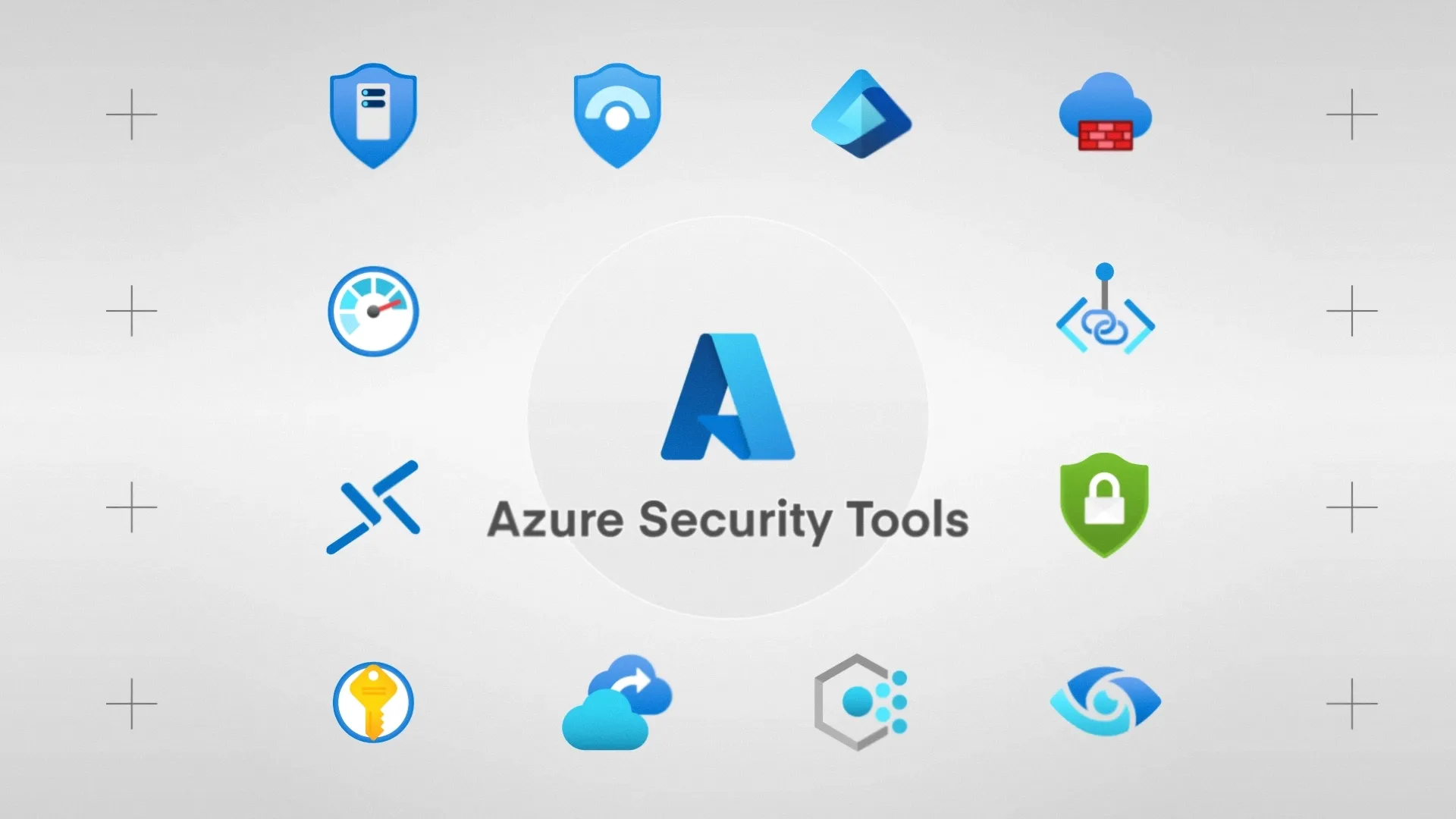
Prevention is obviously essential, but you also need visibility into what’s happening across your environment. Azure’s detection and security monitoring tools help you spot threats, investigate incidents, and know everything necessary about your security posture.
Azure Monitor
Azure Monitor is the foundation. It collects logs and metrics from across your Azure resources, providing the raw data that other security tools build upon. Monitor handles log aggregation, alerting, and visualisation through workbooks and dashboards. While it’s not purely a security tool, effective security monitoring depends on having Monitor properly configured.
Microsoft Defender for Cloud
Microsoft Defender for Cloud serves two purposes: security posture management and threat protection.
On the posture side, it continuously assesses your environment against security benchmarks (including the Azure Security Benchmark, CIS controls, and regulatory frameworks). It identifies misconfigurations and gives recommendations with clear remediation steps. Many recommendations include a “Fix” button that applies the change directly, making it simple to address issues as you find them.
On the threat protection side, Defender for Cloud monitors workloads across compute, storage, databases, containers, and more, generating security alerts when it detects suspicious activity.
Different Defender plans protect different resource types: Defender for Servers adds vulnerability scanning and endpoint detection, Defender for Storage monitors for unusual access patterns, and Defender for SQL protects database workloads. You enable the plans you need based on your environment.
The secure score in Defender for Cloud gives you a single number representing your overall security posture. It’s calculated based on how many of the recommendations you’ve addressed, weighted by how severe they are. While no single metric tells the whole story, the secure score is useful for tracking improvement over time. It’s certainly useful for demonstrating progress to leadership or auditors, too.
Microsoft Sentinel
Microsoft Sentinel takes things further with cloud-native SIEM (Security Information and Event Management) and SOAR (Security Orchestration, Automation, and Response) capabilities.
Sentinel hoovers up data from across your environment, including Azure, Microsoft 365, on-premises systems, and third-party sources, then uses analytics rules and machine learning to detect threats that might span multiple systems.
Sentinel’s superpower is how it can spot correlations. An individual failed login might not be noteworthy, but a failed login followed by a successful login from a different location, followed by access to sensitive files, tells a story. Sentinel’s detection rules and machine learning models look for these patterns across your entire data set, surfacing threats that’d be invisible when looking at any single system in isolation.
Sentinel also provides automation through playbooks built on Azure Logic Apps. When an alert fires, a playbook can:
- Automatically gather additional context
- Create a ticket in your service management system
- Take remediation actions like disabling a compromised account.
This automation is definitely a plus point for smaller security teams that can’t manually triage every alert.
The main difference between Defender for Cloud and Sentinel is their scope and depth.
Defender for Cloud focuses on Azure and connected workloads with built-in protection. Sentinel provides broader correlation across your entire estate and more sophisticated investigation and response capabilities.
Many firms use both: Defender for Cloud as the first line of detection, with alerts forwarded to Sentinel for correlation and response.