Migrating Legacy Applications to the Cloud: When to Do It (And When Not To)

Article by:
Synextra

You’ve got an application running on hardware tucked away in a server room.

It does something very important. It was built by someone who left years ago. It works.

But does anybody know what happens if it stops working?

There comes a point where this risk starts to outweigh the risk of making a change. Hardware failures, security vulnerabilities, compliance gaps, and system experts going elsewhere – they’re all dangerous.

Migrating legacy applications to the cloud can solve a lot of these problems, but it’s not as simple as picking everything up and dropping it somewhere new. Legacy systems come with baggage — and sometimes it’s quite heavy.

This guide walks through what to think about before, during, and after a legacy application migration. We’ll also help you know when it might make more sense to leave things as they are.

What actually counts as a legacy application? 

The term “legacy” gets thrown around a lot, but it’s worth being clear about what we mean. A legacy application isn’t just old software. Age is part of it, but plenty of older applications run perfectly well with ongoing support and regular updates. What makes something legacy is usually a combination of factors that make it increasingly difficult and risky to maintain.

The clearest indicator is vendor support status. If the software vendor has stopped providing updates, security patches, or technical support, you’re on your own when problems arise. This is a big deal for security in particular, as unpatched vulnerabilities in legacy systems are a common entry point for attacks.

Architecture matters too. Applications built on outdated frameworks, deprecated programming languages, or design patterns that don’t fit modern infrastructure can be tricky to maintain. Same with integrating with other tech, or scaling it — not easy. A system might only be a few years old but still qualify as legacy if it was built on technology that’s since fallen out of favour.

Then there’s the knowledge problem. If the people who built and understood the app have moved on, and documentation is thin or non-existent, maintaining the system becomes increasingly risky. Every change is a gamble when nobody fully understands how things work under the hood.

Hardware dependencies create more complexity. Some legacy applications were built for specific server configurations, operating systems, or even physical hardware that’s no longer manufactured. When that hardware fails, you might find yourself hunting for parts on eBay or facing a forced migration with no preparation time.

Integration difficulties often signal legacy status too. If connecting an application to other systems needs you to do some awkward workarounds or manual data transfers, the technical debt is piling up.

Why migrate your legacy applications to the cloud? 

Moving legacy applications to the cloud isn’t always a case of “let’s modernise because that’s what everyone is doing”. There are practical reasons why it often makes sense.

Reducing infrastructure risk is usually near the top of the list.

When legacy applications run on ageing on-premises hardware, you’re always one component failure away from a serious problem. Cloud platforms handle the underlying infrastructure, tackling your concerns about failing drives, ageing servers, or datacentre issues. For applications that need to keep running, disaster recovery services become much more straightforward to implement in the cloud.

You also might make the move because:

  • Security often gets better after migration, although this isn’t automatic. Cloud platforms give you security capabilities that would be expensive or complex to implement on-premises — from threat detection to automated patching. For legacy applications that can’t be patched themselves, wrapping them in modern security controls provides some protection against the risks of running unsupported software.
  • Cost predictability changes when you move from capital expenditure on hardware to operational cloud spending. You’re no longer budgeting for server replacements or gambling on how long existing equipment will last. That said, cloud costs need active management to avoid unpleasant surprises, which is why understanding Azure cost management matters from day one.
  • Integration capabilities expand quite a bit once apps are in the cloud. Azure Integration Services can connect legacy applications to modern systems, APIs, and data sources that’d be difficult to reach from an isolated on-prem environment. This can extend the useful life of legacy systems by letting them participate in modern workflows.

And maybe most importantly, migration can be the first step toward proper modernisation. Getting an application into the cloud (even as a straightforward lift and shift) creates opportunities to modernise incrementally over time. That can be much more attractive than facing a massive transformation project all at once.

Choosing the right cloud platform 

While we specialise in Microsoft Azure and believe it’s the strongest choice for most legacy workloads, we also know that the right platform depends on your specific situation.

Microsoft Azure has some major strengths for legacy application migration. Its hybrid capabilities are mature and well-integrated, which matters when you’re running a mix of cloud and on-prem systems during transition or long-term. Windows-based legacy applications often find a natural home in Azure, and the migration tooling available is wide-ranging. Azure Arc. for example, will extend your management capabilities to workloads wherever they run, which is useful for complex migration scenarios.

AWS has a mature ecosystem with an enormous range of services. For firms already invested in AWS or running Linux-heavy environments, it’s a solid choice. The breadth of services means you’re unlikely to hit a wall where something you need just doesn’t exist.

Google Cloud has strengths in data analytics and machine learning that might matter if your legacy application migration is part of a broader data strategy. It’s generally considered to have a steeper learning curve but does have competitive pricing and strong technical capabilities.

The honest answer is that all three major platforms can host legacy workloads well. Your choice should factor in existing skills and relationships alongside your current tech investments. There’s also your specific workload requirements and wherever you see your infrastructure heading over the next several years. Switching platforms later is possible, but can be painful, so this decision deserves proper thought.

When it makes more sense to leave legacy applications alone 

Not every legacy application should be migrated.

Sometimes the smartest decision is to leave things where they are, at least for now. Being realistic about this protects you from spending money and effort on migrations that don’t make business sense.

Applications approaching end-of-life are poor migration candidates. If you’re planning to decommission a system within the next year or two, the cost and disruption of migration probably won’t pay back in time. Legacy application decommissioning might be the better path, focusing effort on data extraction and transition to replacement systems rather than moving something that won’t be around much longer.

Licensing restrictions can make migration impractical or prohibitively expensive. Some older software licenses don’t permit running in cloud environments, or require expensive license upgrades to do so. When the licensing cost exceeds the value of keeping the application running, it’s worth exploring alternatives.

Highly customised applications with deep integrations into specific hardware or on-premises infrastructure sometimes cost more to migrate than they’re worth. If an application was built around capabilities that simply don’t exist in the cloud, significant redevelopment might be needed rather than straightforward migration.

And sometimes the business case just doesn’t work.

If an application serves a small user base, handles non-critical functions, and runs reliably on existing infrastructure, the return on migration investment might be too low to justify the effort. Every migration carries some risk and cost, and not every application earns its place in the queue.

Legacy application modernisation strategies 

When migration does make sense, you have several approaches to choose from. These sit on a spectrum from quick and simple to comprehensive and transformative. Getting to grips with smart cloud migration strategies helps you pick the right approach for each workload.

Rehosting, often called lift and shift, moves applications to the cloud with minimal changes. You’re essentially running the same application on cloud infrastructure instead of on-premises servers. This is the fastest approach with the lowest immediate risk, but it carries forward all the technical debt and limitations of the original application. It works well when you need to vacate a datacentre quickly or when the application is stable and just needs a safer home.

Replatforming involves making targeted optimisations during migration without changing the core architecture. You might swap out the database for a managed cloud service, or update the operating system to a currently supported version. This captures some cloud benefits while keeping the migration relatively straightforward.

Refactoring means restructuring the application to take advantage of cloud-native capabilities. This is more work than replatforming but can deliver real improvements in scalability, resilience, and maintainability. It makes sense when the application has a long future ahead and would benefit from architectural improvements.

Rebuilding is starting fresh, keeping the functionality but writing new code from scratch. This is appropriate when the existing codebase is too problematic to work with, maybe due to outdated languages, poor documentation, or accumulated technical debt that makes changes risky.

Replacing means retiring the legacy application entirely – in favour of a SaaS solution or modern off-the-shelf software. Sometimes the best answer to a legacy application problem is recognising that you shouldn’t be building or maintaining this capability in-house at all.

What to watch out for when migrating legacy applications 

Legacy application migration comes with pitfalls that can derail projects or create problems that only emerge after go-live. Knowing what to look for helps you plan properly and avoid nasty surprises.

  • Hidden dependencies catch many teams off guard. Legacy applications often have undocumented connections to other systems, scheduled tasks, file shares, or services that nobody remembers setting up. Discovery needs to be thorough, examining network traffic, scheduled tasks, and file system access patterns. Do this rather than relying solely on documentation or institutional memory.
  • Licensing complications need careful attention. Beyond the question of whether cloud hosting is permitted or not, you need to understand how licensing models change in cloud environments. Some vendors charge differently for cloud deployments, and running afoul of licensing terms can bring you unexpected costs or compliance issues.
  • Performance assumptions built into legacy applications might not hold in the cloud. Software designed for specific hardware configurations, local storage performance, or network characteristics might behave differently on virtualised cloud infrastructure. Testing under realistic load conditions is really important before committing to migration.
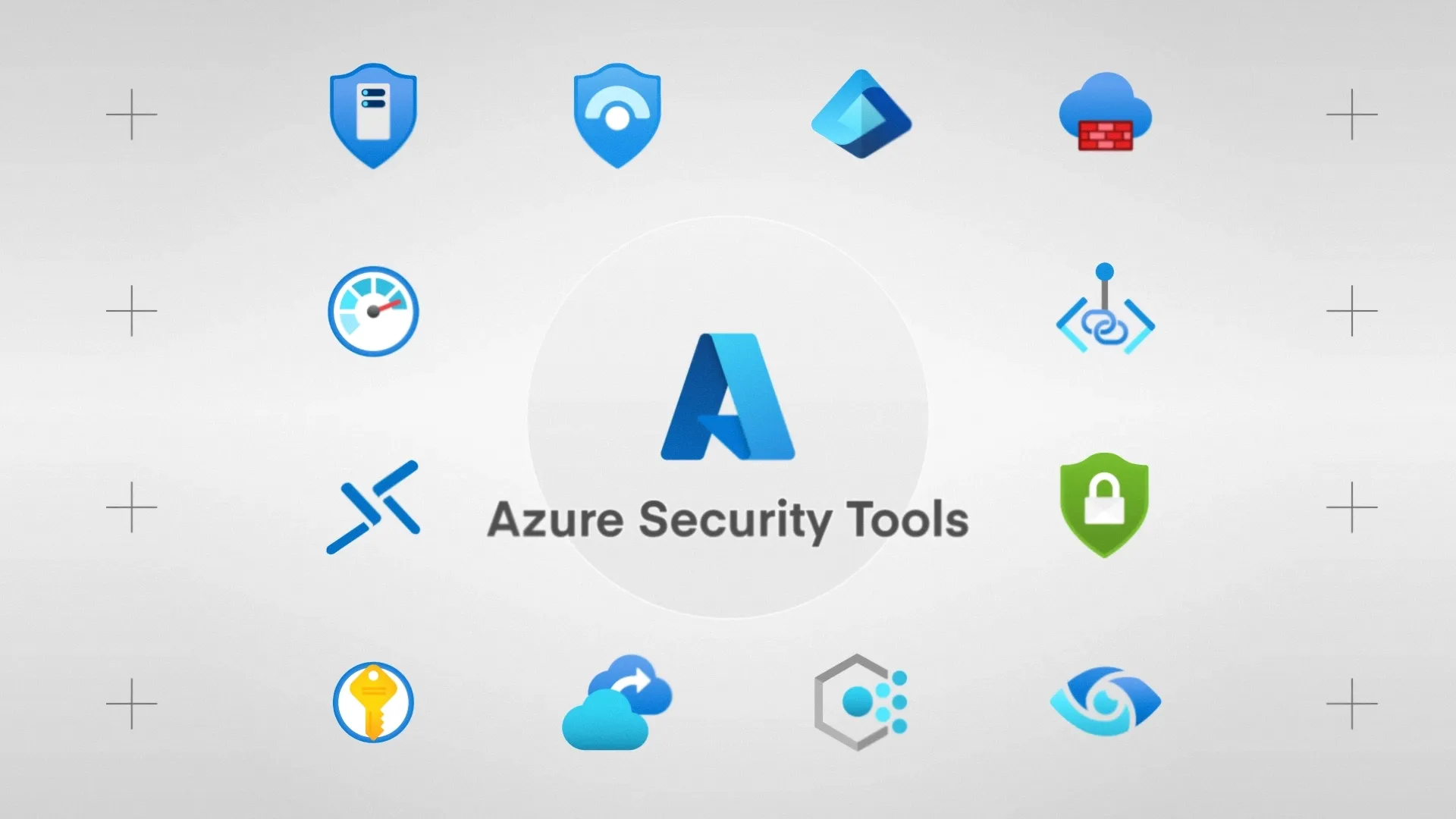
  • Security gaps in legacy code need honest assessment. Older applications often lack modern security features and might contain vulnerabilities that can’t be patched (because the vendor no longer provides updates). You’ll need compensating controls, network segmentation, and monitoring to manage these risks. Azure Policy can help enforce security baselines around legacy workloads, while Microsoft Purview helps maintain data governance even when working with older systems.
  • Data migration complexity is easy to underestimate. Legacy databases often contain years of accumulated data, inconsistent formats, orphaned records, and business logic embedded in stored procedures. Cleaning and migrating this data takes time and careful validation.
  • Compliance requirements don’t disappear because an application is old. If anything, legacy systems often have compliance gaps that need addressing during migration. Understanding what regulations apply (and how the migrated environment will meet them) should be part of your planning — not an afterthought.
  • Skills and knowledge gaps create ongoing risk. If nobody on your current team understands the legacy application deeply, migration becomes more difficult and post-migration support more uncertain. Document everything you learn during the migration process to avoid recreating the knowledge problem in the cloud.
  • Testing challenges are common with legacy applications. Proper test coverage might not exist, and creating it might be difficult when the application’s expected behaviour isn’t well documented. Budget time for building out testing capabilities as part of the migration project.

How to migrate legacy applications safely to the cloud 

Safe legacy application migration comes down to preparation, caution, and good practices throughout the process.

  1. Start with thorough discovery and assessment. Understand what the application actually does and what it connects to. What data does it hold? Who depends on it? Use automated discovery tools where possible, but verify your findings manually.
  2. Build your safety net before you start moving anything. Implement Azure Site Recovery and make sure you can fail back to the original environment if problems emerge. Having a solid rollback plan lets you proceed with confidence rather than crossing your fingers and hoping for the best. This is fundamental to building a resilient Azure environment.
  3. Start with lower-risk workloads to build experience and confidence. If you have multiple legacy applications to migrate, tackle the simpler ones first. The lessons learned will make any following migrations smoother, and early successes make people confident in the process.
  4. Set up proper monitoring from the beginning. Azure Monitor should be configured to track your application performance, resource utilisation, and error rates from day one in the new environment. You need visibility into how the migrated application behaves to catch problems early.
  5. Plan for identity and access management carefully. Legacy applications often have their own authentication mechanisms that need integrating with modern identity systems. Azure Entra ID can give you centralised identity management, but the integration work needs planning.
  6. Run parallel environments during the transition period. Keep the original system available while you’re validating the migrated version. This extends the project timeline and costs more, but it’s far better than discovering problems after you’ve already decommissioned the original.
  7. Document everything as you go. The knowledge you build during migration is valuable. Capture it in documentation that’ll help whoever supports this application in the future. Don’t create tomorrow’s legacy problem by leaving the migrated application as poorly documented as the original.

Making the right call for your legacy applications 

Legacy app migration isn’t something to approach with a one-size-fits-all mentality. Each application deserves assessment on its own merits. You need to weigh the costs and risks of migration against the costs and risks of leaving things as they are.

Those that handle this well are the organisations that think clearly about what they’re trying to achieve. They’ll understand what they’re working with, and choose approaches that match their specific circumstances.

Sometimes that means an ambitious modernisation programme. Sometimes it means a careful lift and shift. And sometimes it means accepting that an application is fine where it is for now.

If you’re facing decisions about legacy applications and want to talk through your options, we’re happy to help – get in touch today.

Subscribe to our newsletter

Stay ahead of the curve with the latest trends, tips, and insights in cloud computing

thank you for contacting us image
Thanks, we'll be in touch.
Go back
By sending this message you agree to our terms and conditions.